
Multi Select fields allow you to select multiple values from a list. If you need to confirm the selected item within a ticket comment, you can do this by creating a macro with liquid markup.
For example, if you are categorising tickets by problem, one ticket may cover many topics. Create a custom ticket field to list the potential problems raised by the user.
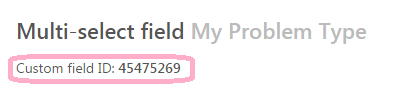
First create your custom ticket field. Note the field's id number:
To confirm the selected items in a ticket comment, create a macro to update the comment\description:
Here are the multi select ticket field tags:
{% assign tags = {ticket.ticket_field_45475269}||split:" "} %}
The selected tags are:
{% for item in tags %}
{{item}}
{% endfor %}
Here are the multi select ticket field values:
{% assign values = {ticket.ticket_field_option_title_45475269_value}||split:","} %}
The selected values are:
{% for item in values %}
{{item}}
{% endfor %}
Be sure to replace the field ID, 45475269, with your field's number.
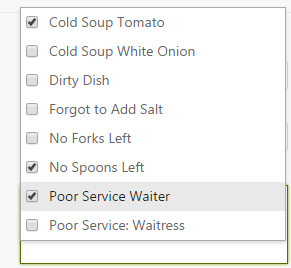
When ticket field values are selected:
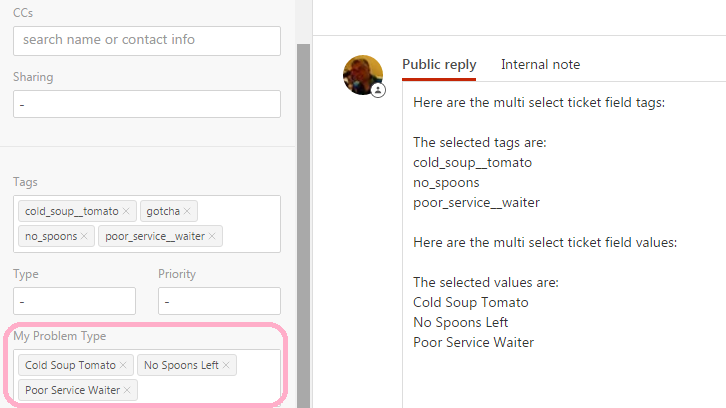
The macro will display the associated tags and values:
Comments
0 comments
Please sign in to leave a comment.